Skip to Content
Open Beta — managed Kubernetes, DNS & more are live.

S3-compatible object storage, in Canada.

Buckets with access keys, IAM-style policies, presigned URLs, versioning and lifecycle rules — 3× replicated on Ceph, no egress fees, billed per GB in CAD.

See it run

A bucket, a key, and s3cmd

Create a bucket in the console, mint an access key, and push your first object from a terminal with the S3 tooling you already use.
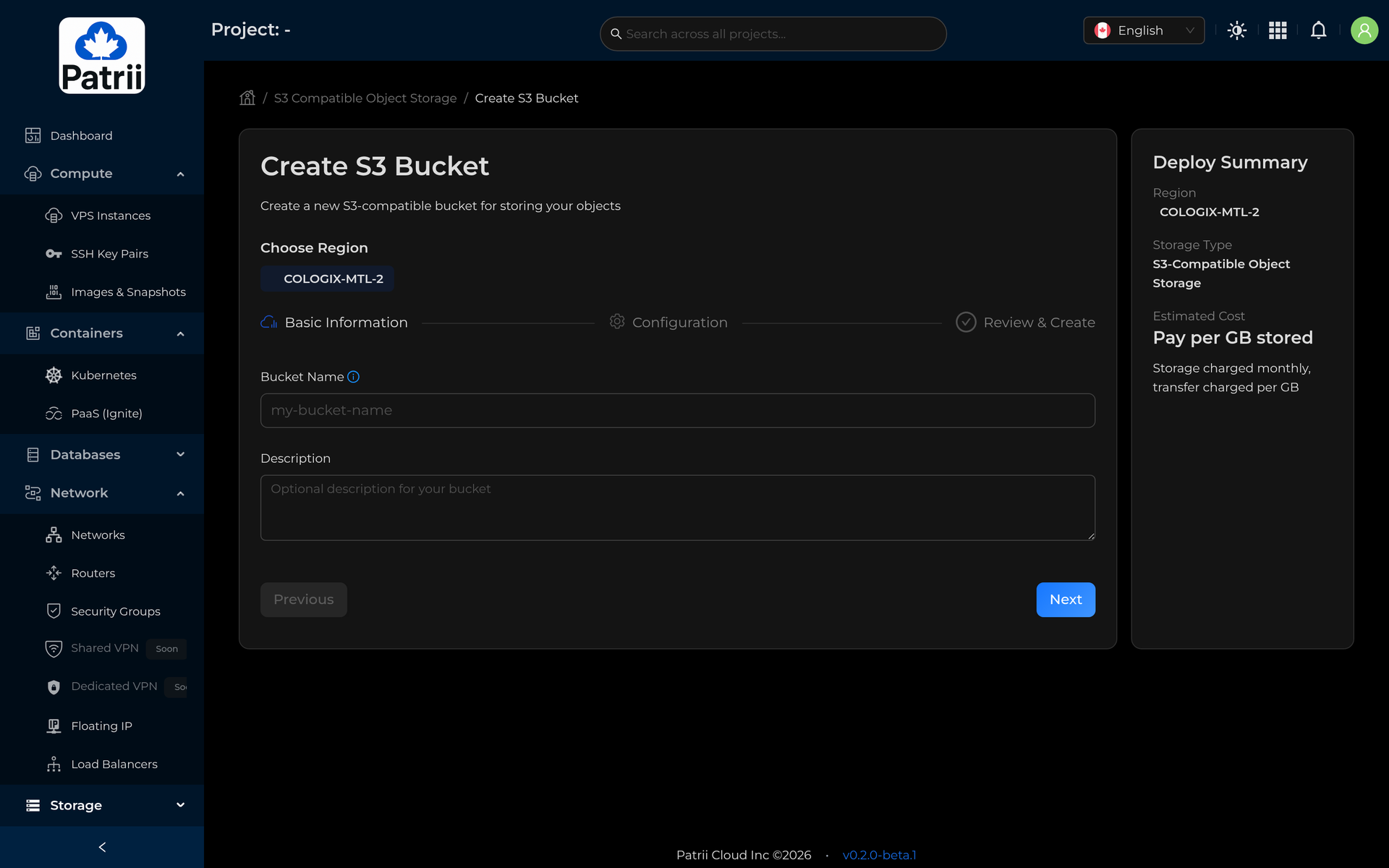
console.patrii.cloud 1:10

Bucket to first upload — no cuts.

s3.montreal.patrii.cloud
aws-cli boto3 rclone s3cmd
$ aws s3 cp ./video.mp4 s3://assets-prod/ \
  --endpoint-url https://s3.montreal.patrii.cloud
upload: ./video.mp4 → s3://assets-prod/video.mp4
import boto3
s3 = boto3.client("s3",
    endpoint_url="https://s3.montreal.patrii.cloud")
s3.upload_file("video.mp4", "assets-prod", "video.mp4")
$ rclone copy ./dist patrii:assets-prod
Transferred: 128 / 128 MBytes, 100%, 0 Errors
$ s3cmd put ./backup.tar.gz s3://backups
upload: 'backup.tar.gz' → 's3://backups/backup.tar.gz'
It's really S3

Connect with the tools you already use

Point any S3 client at your regional endpoint and go. The AWS CLI, boto3, rclone, s3cmd and every S3 SDK work unchanged — same signatures, same calls, no proprietary glue.
AWS CLIboto3rclones3cmd
Read the docs
Object storage

S3-compatible buckets, in any Canadian region

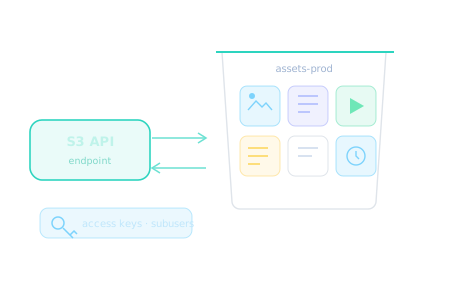
Create buckets, mint access keys and scoped subusers, host static sites, and push large files with multipart uploads — using the S3 API and tools you already know.
S3 APIAccess keysStatic hostingMultipart
Create a bucket
Versioning & lifecycle

Keep every version, tier the cold ones

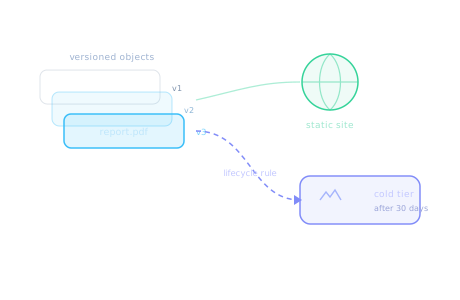
Turn on versioning to keep a full history of every object, set lifecycle rules to move stale data to a cheaper tier automatically, and serve a bucket straight to the web as a static site.

VersioningLifecycle rulesStatic hostingNo egress fees
See pricing
Fine-grained access

Keys and policies, exactly as tight as you need

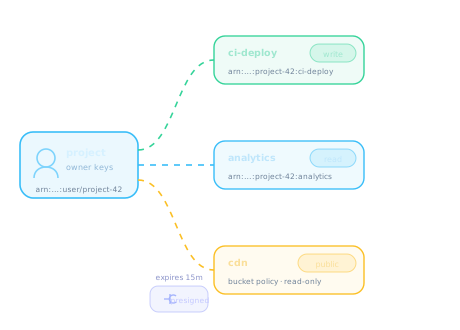
Mint scoped subusers with their own access keys, bind each bucket to an IAM-style JSON policy — read-write for CI, read-only for analysts, public-read for a CDN origin — and hand out time-limited presigned URLs when you need to share a single object.

  • Scoped subusers — separate keys and ARNs per app or teammate.
  • Bucket policies — AWS-compatible JSON, with ready templates.
  • Presigned URLs — grant temporary access to one object, then it expires.
Open object storage

Object storage questions

Yes — it speaks the S3 API, so the AWS CLI, boto3, rclone, s3cmd and any S3 SDK work by just pointing them at your regional endpoint. Signatures, multipart uploads, presigned URLs and bucket policies all behave the way your tooling expects.

Mint scoped subusers with their own access keys and ARNs, and attach an IAM-style JSON policy to each bucket — read-write for a deploy pipeline, read-only for analysts, public-read for a CDN origin. Ready-made policy templates make the common cases one click.

Yes. Generate a presigned URL for one object and it grants time-limited access that expires on its own — no key sharing, no permanent public exposure.

No. There are no egress fees — you pay a flat $0.07/GB·mo for what you store, billed in Canadian dollars, and read it back as often as you like.

Every object is replicated three times on Ceph in our Montréal region, so a disk or node failure is a non-event, and your data stays under Canadian jurisdiction.

Yes. Enable static website hosting on a bucket, point your domain at it, and serve a site or single-page app directly over HTTPS.